Frequently Asked Questions
Frequently Asked Questions
What is an eSIM?
An eSIM is a digital SIM that allows you to connect to mobile networks without inserting a physical SIM card. You simply scan a QR code to install it on your smartphone and start using mobile data abroad.
Who is SIM TOBI for?
SIM TOBI is designed specifically for Japanese tourists traveling overseas. Our service helps travelers prepare their internet connection before leaving Japan and use mobile data easily in more than 200 countries and regions.
In which countries does SIM TOBI work?
SIM TOBI eSIM works in over 200 countries and regions, including popular destinations such as the USA, Europe, Korea, Thailand, Australia, and many more. You can check the full supported country list on our website.
Can I purchase an eSIM before traveling?
Yes. You can purchase your eSIM online before departure from Japan. We recommend buying and installing your eSIM in advance so you can connect to the internet as soon as you arrive at your destination.
How do I activate my eSIM?
After completing your purchase, you will receive a QR code by email. Open your phone’s settings, scan the QR code, and follow the on-screen instructions. Activation usually takes less than 5 minutes.
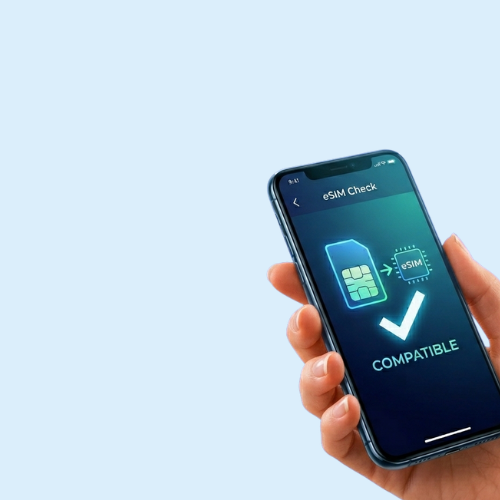
Are eSIMs compatible with all smartphones?
eSIM works on most modern smartphones that support eSIM technology, including many iPhone, Samsung Galaxy, and Google Pixel models. Please check our compatible devices list before purchasing.
Can I keep my Japanese SIM while using an eSIM?
Yes. Most smartphones allow you to use both your physical SIM and eSIM at the same time. This means you can keep your Japanese phone number for calls and messages while using the eSIM for mobile data abroad.
Is an eSIM better than purchasing a SIM card at the airport?
Yes. eSIM is more convenient than airport SIM cards because:
- No waiting in lines
- No need to replace your physical SIM
- You can connect immediately after landing
- You prepare everything before leaving Japan
What should I do if my eSIM does not connect?
First, check that:
- Your phone supports eSIM
- Mobile data is turned on
- Data roaming is enabled
- You selected the correct eSIM profile
If the problem continues, please contact our customer support for assistance.